What Happens When You Click a Shortened Link? Behind the Scenes
Shortened URLs have become a common sight across social media, email marketing, text messages, and digital ads. But have you ever wondered what actually happens behind the scenes when you click on a shortened link? While the process seems instantaneous to users, there are multiple steps occurring in the background that ensure you land on the intended webpage. In this article, we will dive deep into the journey of a shortened link and explore its technical aspects, security implications, and practical use cases.
Understanding URL Shortening Basics
Before getting into the mechanics of clicking a shortened link, let’s quickly review how URL shorteners work. A URL shortener takes a long URL and converts it into a much shorter version using a redirection service. For example, instead of sharing:
https://example.com/products/summer-collection-2025/new-arrivals/featured-items
you might share:
https://bit.ly/3aBcD4F
While the shorter link looks simple, it actually maps to the original long URL via the shortener's database.
The Journey of a Shortened Link Click
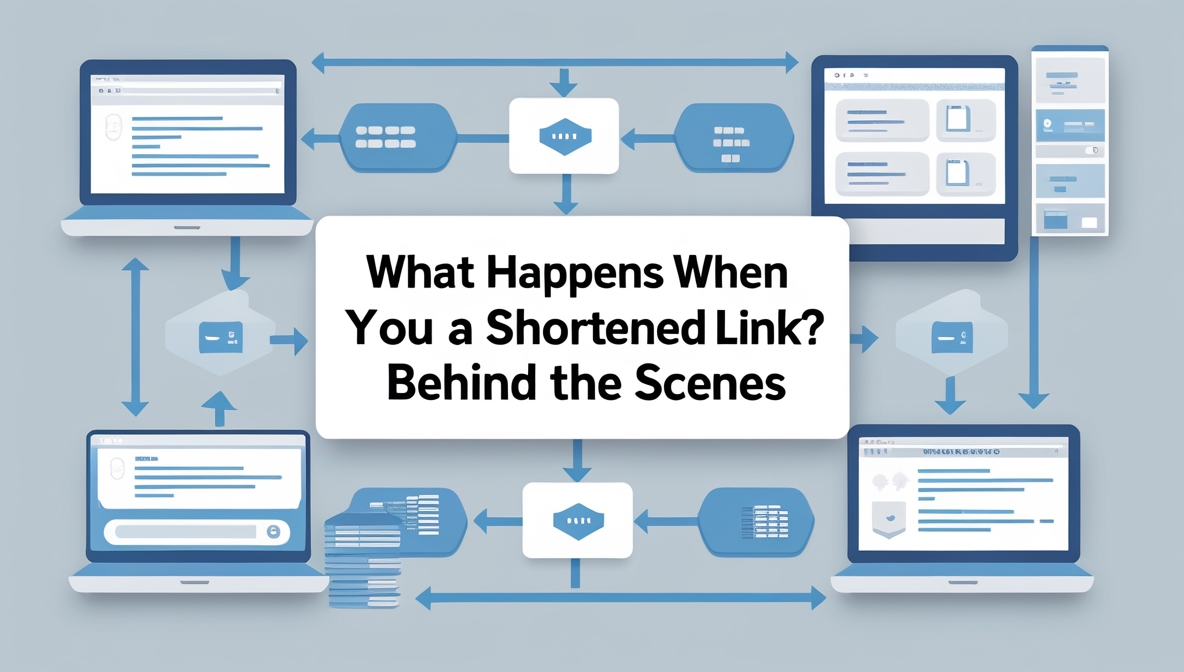
Step 1: User Clicks the Shortened URL
The journey begins the moment you click on the shortened link. Whether it's embedded in a tweet, email, text message, or QR code, your browser or app starts processing the request for the short URL.
Step 2: DNS Lookup
Once clicked, your device performs a DNS (Domain Name System) lookup to translate the short URL’s domain (e.g., bit.ly) into an IP address. This tells your browser where to send the request.
Step 3: HTTP Request to the URL Shortener’s Server
After resolving the IP address, your browser sends an HTTP request to the URL shortener’s server. This request includes headers and metadata, such as your browser type, location, and referring page.
Step 4: URL Lookup in the Shortener’s Database
The URL shortener’s server receives the HTTP request and searches its internal database for the short code (e.g., 3aBcD4F). It then retrieves the original long URL associated with that code.
Step 5: Redirection Instructions
Once the long URL is retrieved, the server sends an HTTP response with a redirection status code (usually 301 or 302). This tells your browser to navigate to the original URL.
Step 6: The Browser Redirects You
Upon receiving the redirection instruction, your browser automatically loads the destination page by sending a new HTTP request to the original URL’s server.
Step 7: Analytics and Tracking
During this process, the URL shortener may collect valuable data, including:
- Click timestamp
- Geographic location (via IP address)
- Device type and browser
- Referral source (where the link was clicked)
This information is stored in analytics dashboards that can help marketers track campaign performance.
Additional Factors at Play
Latency and Speed
While all of these steps happen in fractions of a second, multiple redirects or heavy analytics processing can occasionally introduce latency.
Security Checks
Some URL shorteners implement security layers that scan the destination URL for malware, phishing attempts, or blacklisted content. If malicious content is detected, the shortener may block access or warn the user.
Preview Pages
Certain services (like TinyURL’s preview feature) allow users to view the destination URL before being redirected. This helps users verify the legitimacy of the link.
Benefits of Shortened Links
- Space-Saving: Essential for platforms like Twitter where character count is limited.
- Trackability: Collects valuable analytics data.
- Branding: Custom short links can reinforce brand identity.
- Cleaner Appearance: Long URLs can look cluttered; short URLs are cleaner and easier to share.
- Manageability: Many services allow you to change the destination URL without changing the short link.
Potential Risks When Clicking Shortened Links
- Malware and Phishing: Since the real destination is obscured, attackers can trick users into clicking malicious links.
- Loss of Transparency: Users can't easily see where they're going.
- Data Privacy: URL shorteners often collect data on users for analytics and sometimes for marketing purposes.
- Broken Links: If the shortening service shuts down or deletes the record, the link breaks permanently.
How to Stay Safe When Clicking Shortened Links
- Use a URL expander tool to preview the destination URL before clicking.
- Hover your mouse over the link (on desktop) to see the actual URL previewed in your browser’s status bar.
- Stick to shortened links from reputable sources and verified social accounts.
- Use browser extensions or antivirus software that can scan URLs for threats in real-time.
- Be extra cautious with shortened links received via email, SMS, or unknown sources.
How Marketers Use URL Shorteners
- Track the success of ad campaigns and social media posts.
- Test different versions of URLs (A/B testing).
- Monitor click behavior across geographic regions.
- Control brand reputation with custom branded short links.
Technical Considerations for Businesses
- Choose a reliable URL shortening service that guarantees uptime and data security.
- Ensure GDPR compliance if collecting personal data through tracking.
- Use HTTPS to encrypt shortened URLs and improve user trust.
- Monitor link activity regularly to detect any unusual click patterns or malicious usage.
FAQs About Clicking Shortened Links
Can shortened links be dangerous?
Yes, shortened links can potentially hide malicious destinations. Always verify the source before clicking or use a URL expander tool to preview the destination.
Do shortened links affect website performance?
No, they don’t affect the performance of the destination website itself. However, multiple redirects can slightly slow down the user’s initial click-through experience.
Is it possible to see where a shortened link will take me before clicking?
Yes, tools like CheckShortURL, Unshorten.It, or built-in preview features on some services allow you to expand and verify shortened URLs safely.
Can I get tracked when I click on a shortened link?
Yes. Most shortening services collect anonymized data about who clicked the link, including IP address, location, device type, and referral source.
What happens if a URL shortener service shuts down?
If the service goes offline or deletes your short links, the shortened URLs will stop working, resulting in broken links and lost traffic.
Do shortened links expire?
That depends on the service. Some free URL shorteners may expire inactive links after a period, while premium services often provide permanent links.
Conclusion
While clicking on a shortened link may seem like a simple action, there’s a sophisticated sequence of processes happening in the background. From DNS lookups and server redirects to analytics tracking and potential security scans, a lot occurs in the blink of an eye. Understanding these steps can help both users and marketers make more informed decisions about using and interacting with shortened links.
Always exercise caution when clicking unfamiliar shortened URLs, and take advantage of preview tools and security software. On the flip side, marketers and businesses can leverage URL shorteners to maximize their reach, optimize campaigns, and gain valuable insights — as long as they balance convenience with responsibility and data privacy.